

Most Website Development in Nallasopara don’t stall because of bad code. They stall because nobody decided what the site was for. The designer guesses, the owner changes direction in week three, and a ₹30,000 job quietly turns into a ₹60,000 one.
This guide covers the seven steps a website goes through, from the first conversation to launch day. You’ll find realistic timelines, rough costs in rupees, and a few local details that matter if your customers live around Nallasopara and the wider Vasai-Virar area.
What Makes a Nallasopara Website Project Different
Nallasopara sits on the Western Railway line in Palghar district, and a large share of people travel to Mumbai every day. Many of your customers will find you on a phone, often between tasks, and they want an address, a phone number and opening hours within seconds.
Language is the other factor. People here look in English, Hindi, Marathi and Gujarati, sometimes in a mix. A clinic, teaching class or small business in the Vasai-Virar belt should decide early which language the site starts with, and whether a second one is worth the extra cost.
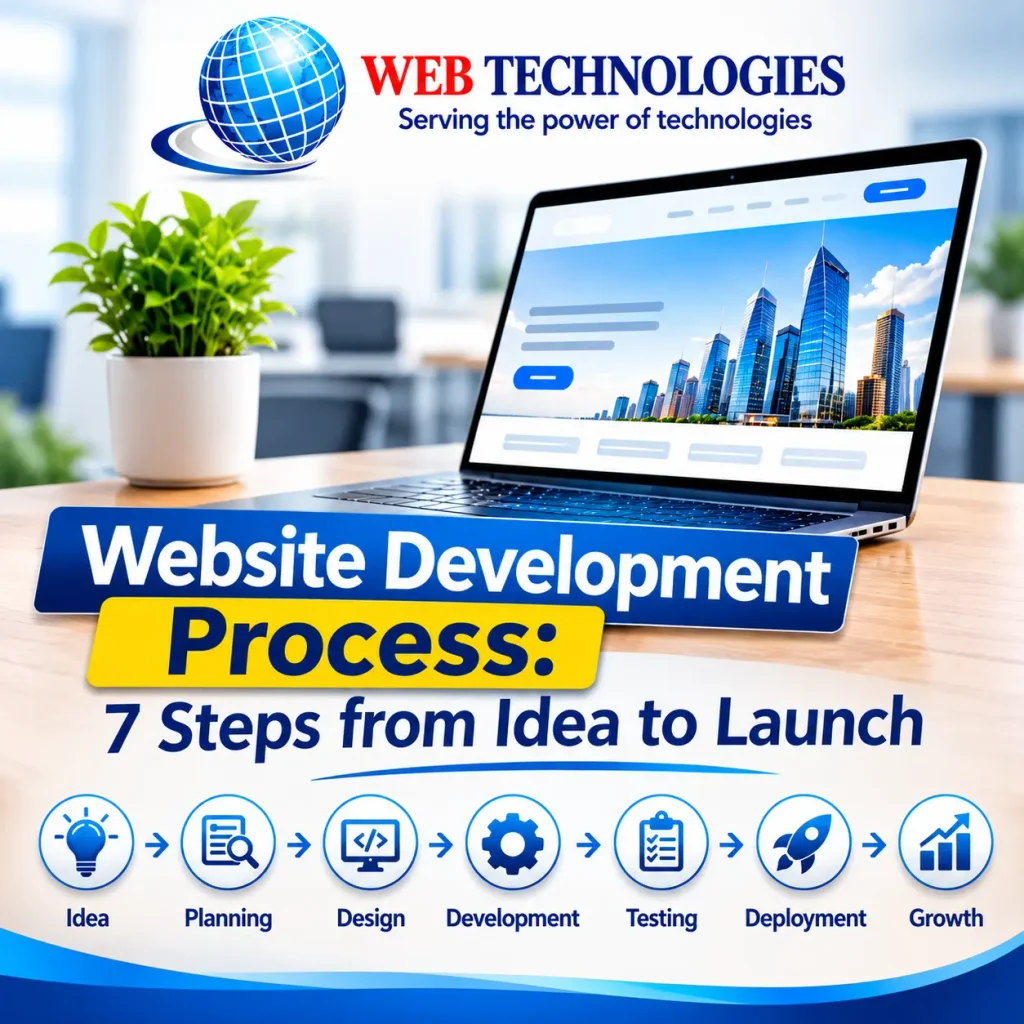
The 7 Steps at a Glance (Website Development in Nallasopara)
| Step | What happens | Typical time |
|---|---|---|
| 1. Goal and audience | Decide what the site must achieve | 2 to 4 days |
| 2. Scope and quote | Pages, features, platform, price | About 1 week |
| 3. Design | Wireframes, then visual design | 1 to 2 weeks |
| 4. Development | The site is built and hosted for testing | 2 to 4 weeks |
| 5. Content and SEO | Text, photos, search settings | 1 to 2 weeks |
| 6. Testing | Devices, forms, speed, security | 3 to 5 days |
| 7. Launch and maintenance | Go live, then keep it healthy | 1 day, then ongoing |
A ten-page business site usually takes six to ten weeks in total. Step 5 runs alongside Step 4, so the weeks don’t simply add up.
Step 1: Define the Goal and Audience
Write one sentence that says what the site must do. “Show our company” is too unclear. “Let people near Vasai find our clinic on Google and book an appointment” gives a designer something to build around.
Then settle four things: the main action you want visitors to take (call, book, buy or ask), who those visitors are, how you will know the site is working (say, 20 enquiries a month), and your budget and start date. Collect your logo, your pictures and three websites you like. If you can’t name three, ask your creator to show you some.
Step 2: Plan the Scope, Sitemap and Technology
This is where the thought becomes a written plan. List every page (home, services, about, price, contact), then every feature (enquiry form, booking, WhatsApp button, funds, blog). One sheet of paper is enough.
Pick the platform based on who will change the page later. WordPress suits most small business sites because owners can change text and photos themselves. Shopify or WooCommerce fits online shops. A custom system such as Next.js makes sense when speed or unusual features matter more than easy changing.
Your price should say the number of pages, the number of review rounds, who provides text and pictures, and how long help lasts after start. Paying 50% at the start and 50% before launch is a usual split.
Step 3: Design the Layout and Look
Designers begin with wireframes, plain grey boxes that show what goes where. Check the phone layout first. Most people in India look on mobile, and Google indexes the mobile form of your site anyway. Once the model is accepted, colours, styles and pictures are added, generally in a tool like Figma where you can react directly on each screen.
Agree on two or three editing rounds at this point. Unlimited changes sound fair but tend to push the start date back by weeks.
Step 4: Build the Website
Developers turn the accepted concept into a working site. Ask for a development link, a secret test version, so you can click through the pages while they are still being built. Problems are cheap to fix now and expensive after launch.
Speed deserves attention. Google sees a main-content load time under 2.5 seconds (Largest Contentful Paint) as good. Compressing photos to WebP, skipping heavy tools and picking good hosts do most of the work.
Step 5: Add Content and Set Up SEO
Text and pictures cause more delays than code. A developer finishes, then waits three weeks for the owner’s content. Set a limit for supplies on day one.
Write for the person looking, not for an algorithm: say what you do, where, and for whom, in plain terms. Give every page its own title tag and meta description, use headings in order, and describe pictures in alt text.
For local exposure, set up a Google Business Profile and make sure your business name, address and phone number match exactly on the site and the profile. Even a spelling change, such as “Nalasopara” in one place and “Nallasopara” in another, makes it harder for Google to treat them as one business.
Step 6: Test Before You Launch
Test on actual devices, not just a desktop browser. Check at least one iPhone and one Android phone. Submit the contact form and check the email arrives and doesn’t land in spam. Click every link, run the pages via Google’s PageSpeed Insights, and validate the SSL certificate (the padlock) is active.
Then utilise the site the way a client would. You’ll see stuff the developer stopped noticing weeks ago.
Step 7: Launch and Maintain
Launch day means pointing the domain at the hosting server, switching on SSL, connecting Google Analytics and submitting your sitemap to Google Search Console. If you are replacing an old site, redirect the old URLs to the new ones so existing search rankings aren’t lost.
Make sure the domain is registered in your name, not the developer’s. Ownership disputes are common and easy to avoid.
After launch, WordPress sites need regular plugin and security updates, plus backups. Many developers sell monthly maintenance plans, and most include a short free bug-fixing period after go-live. Ask what yours covers before you sign.
How Much Does a Website Cost in Nallasopara?
Prices vary a lot between freelancers, small studios and agencies, so treat these as rough ranges, not quotes.
| Type of site | What’s included | Rough cost |
|---|---|---|
| Basic business site | 5 to 7 pages, WordPress, contact form | ₹15,000 to ₹40,000 |
| Standard company site | 10 to 15 pages, blog, basic SEO | ₹40,000 to ₹1,00,000 |
| Online store | Product pages, payments, inventory | ₹80,000 to ₹2,50,000 |
| Custom web application | Logins, bookings, admin dashboard | ₹2,00,000 and up |
Running fees come on top: a domain at around ₹700 to ₹1,500 a year, hosting from about ₹3,000 to ₹12,000 a year, and a maintenance plan at around ₹2,000 to ₹8,000 a month if you want one. Businesses in India are frequently charged GST on online services (often 18%), so clarify the current rate when you obtain a quotation.
A extremely low quote merits a query. Ask what is missing: the amount of pages, mobile design, SEO setup, or assistance after launch.
How to Choose a Web Developer in Nallasopara
- Open two or three of their old webpages on your own phone.
- Ask for an itemised quotation that also includes what is not included.
- Confirm that you will control the domain, the hosting account and the source files.
- Ask how many revisions are included and how long post-launch support lasts.
- Agree on how you’ll communicate (WhatsApp, email, a weekly call) and how promptly answers are anticipated.
If you pick someone local, a face-to-face meeting at the start is a real advantage. It usually clears up in an hour what takes a week of messages.
Frequently Asked Questions
How long does it take to build a website in Nallasopara?
Roughly six to ten weeks for a business site of about ten pages. When projects run late, the cause is almost always content that arrives after the developer has finished.
Do I still need a website if I have a Google Business Profile?
A profile helps people find you. A website lets you explain your services, show your work and collect enquiries in your own words. Having both works better than either one alone.
Should I choose WordPress or a custom-built site?
WordPress fits most small businesses because you can edit text and photos yourself. Custom development makes sense when you need unusual features or very fast performance, and it usually costs more to build and maintain.
Can I update the website myself after launch?
If it’s built on a content management system like WordPress, yes. Ask your developer for a short walkthrough video or a handover session before you make the final payment.
How soon will the site appear on Google?
New sites are often indexed within days to a few weeks, but ranking well takes longer and depends on the competition. Submitting your sitemap to Google Search Console helps Google find the pages sooner.
Can the site be in Marathi or Hindi as well as English?
Yes. Use Unicode-compatible fonts, test how the text displays on phones, and have a native speaker review any translation before launch.
Conclusion
A good website project is largely a set of choices taken in the appropriate order: objective, scope, design, development, content, testing, launch. Skipping the first two is what normally costs money later.
Start by drafting your one-sentence aim and identifying the pages you believe you need. Even a rough version makes your initial interaction with a developer shorter and your quotation more accurate.